This package provides not particularly nice and, hopefully, not particularly ugly ggplot themes.
Installation
You can install the development version of mediocrethemes from GitHub with:
# install.packages("pak")
pak::pak("vincentbagilet/mediocrethemes")
Note that you may need to restart your R session once the installation is complete to be able to use the package. You will also need an active internet connection the first time you call set_mediocre_all, theme_mediocre, or theme_idid.
Usage
This package provides both ggplot themes and a breadth of color palettes.
The most useful feature of the package is the set_mediocre_all function. It allows users to set the theme and color palette for all plots in a document:
library(ggplot2)
library(mediocrethemes)

set_mediocre_all(pal = "idid", theme = theme_idid)

ggplot(data = ggplot2::mpg, aes(x = cty, y = displ, fill = manufacturer)) +
  geom_col() +
  labs(title = "A very nice title", subtitle = "A disappointing subtitle")
This can be undone with the unset_mediocre_all function.
Users also can set the theme and color palette independently.
ggplot(data = ggplot2::mpg, aes(x = cty, y = displ)) +
  geom_point() +
  theme_idid() +
  scale_mediocre_d() +
  labs(title = "A very nice title", subtitle = "A disappointing subtitle")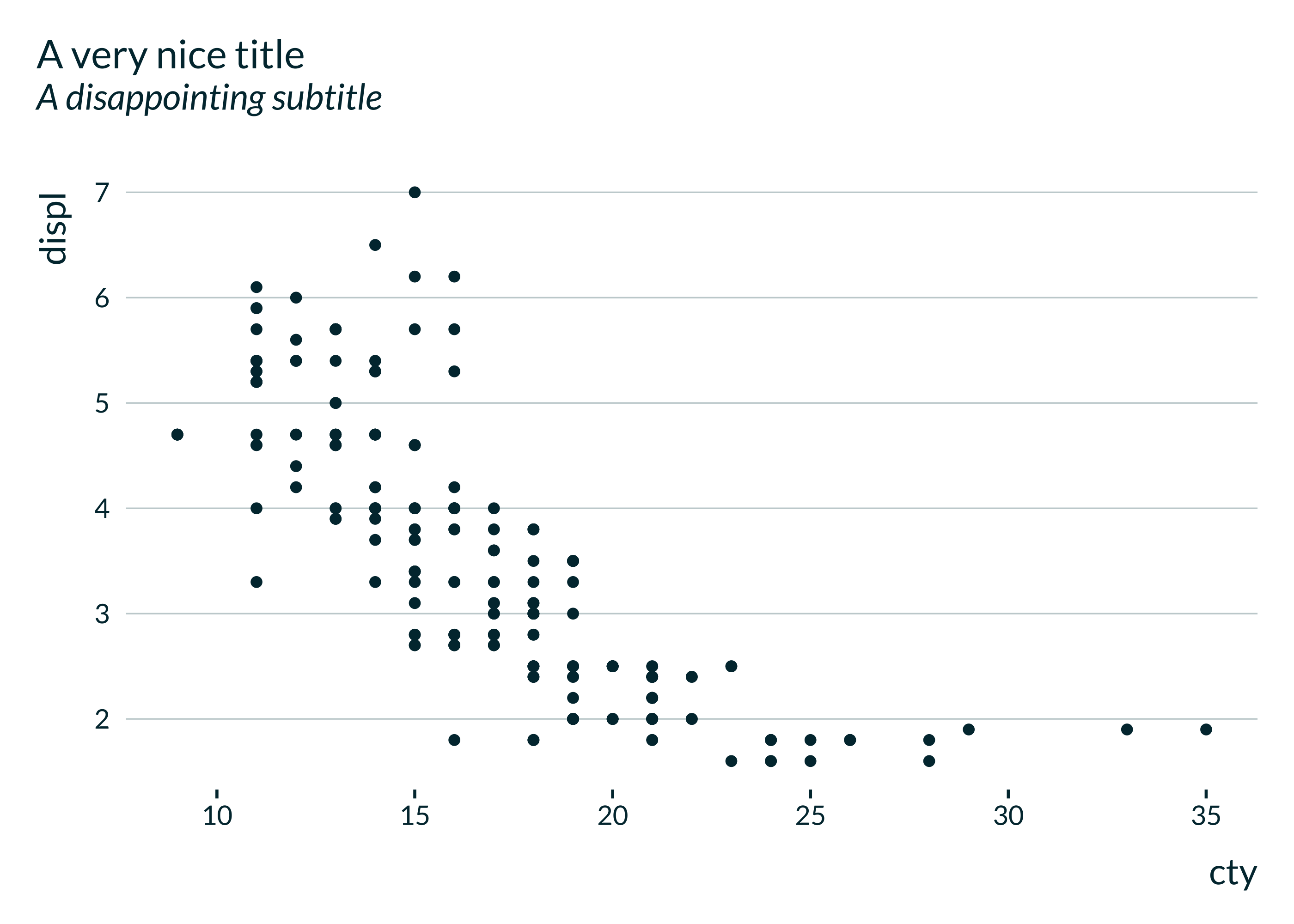
Examples
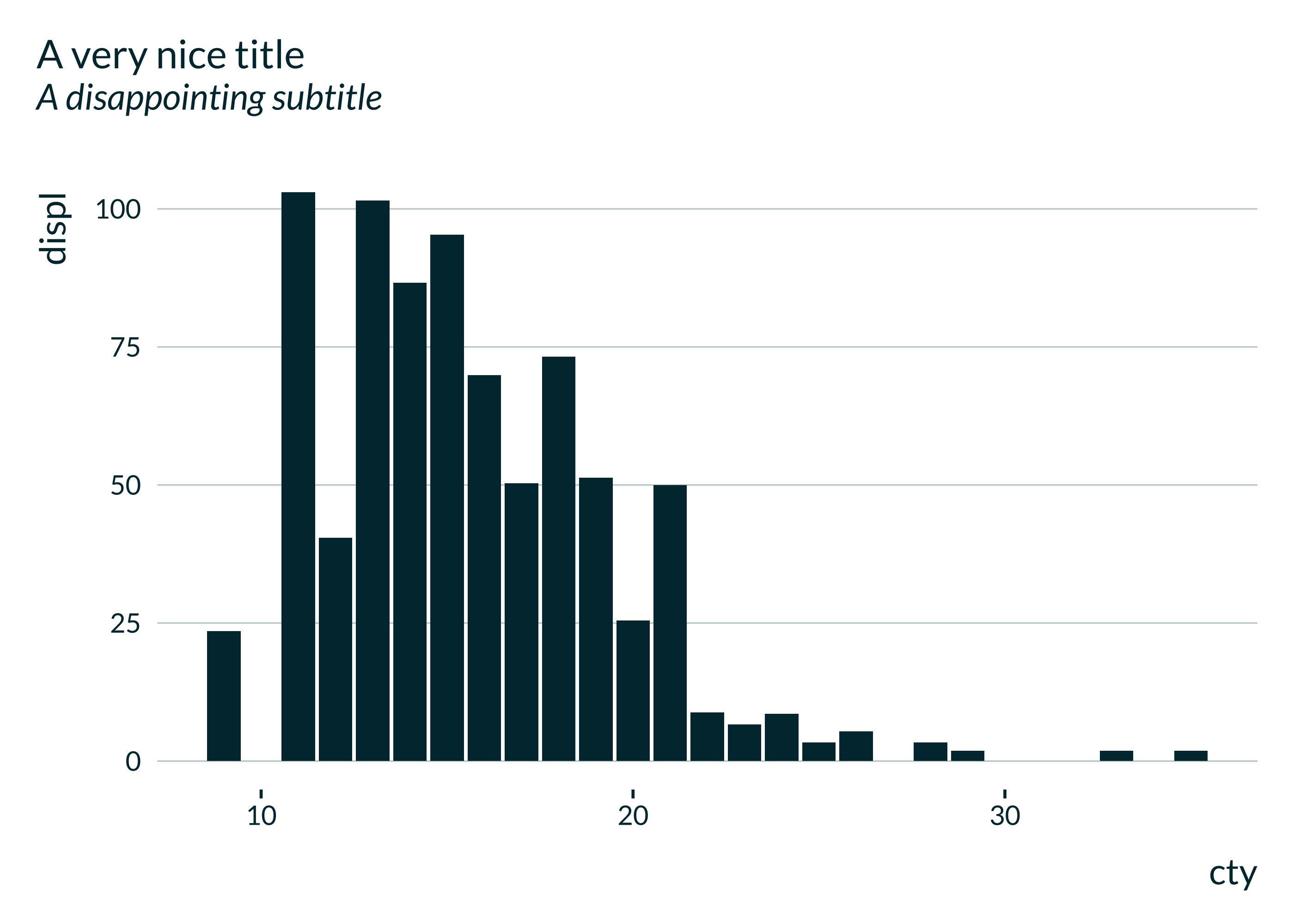
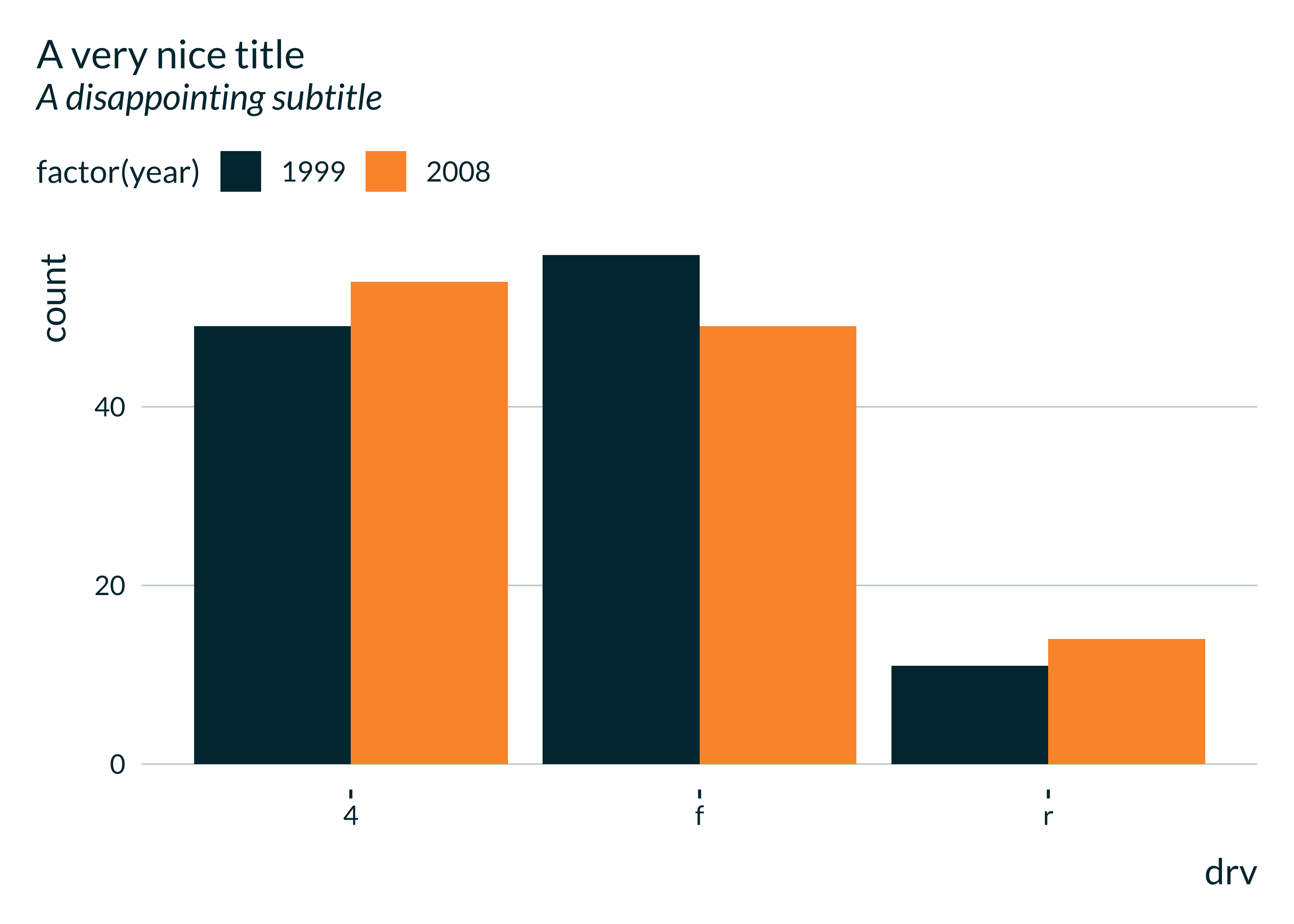

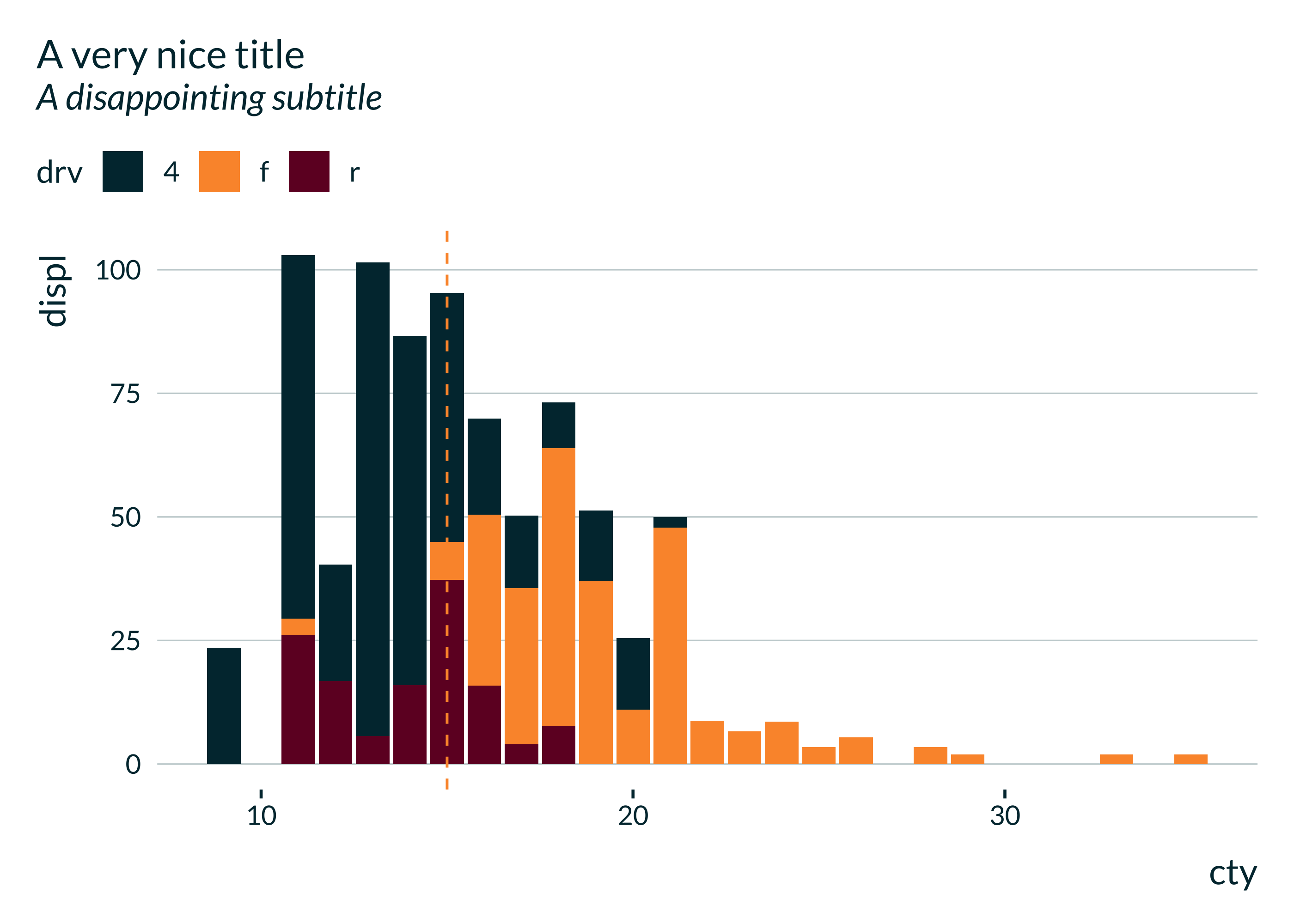
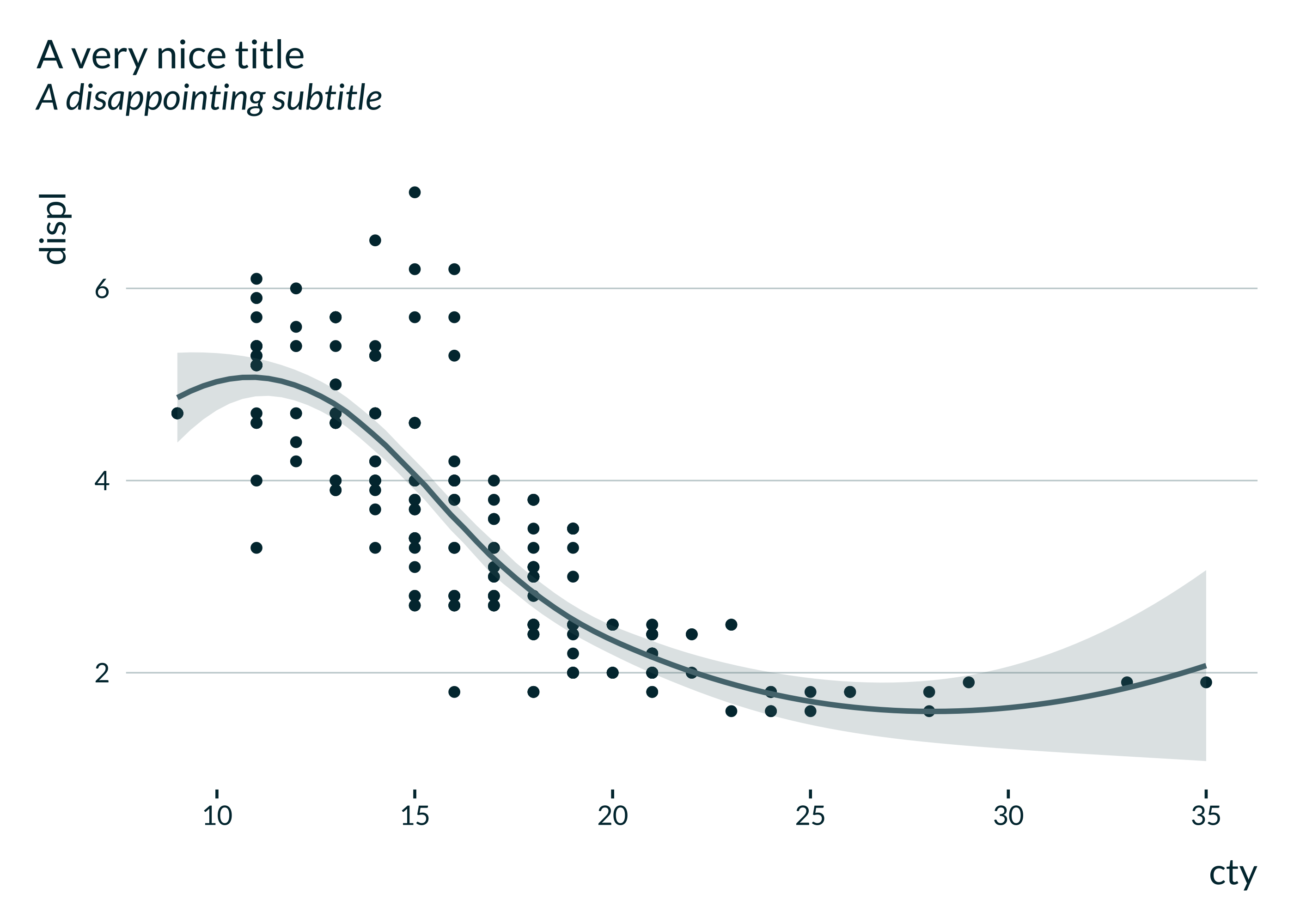

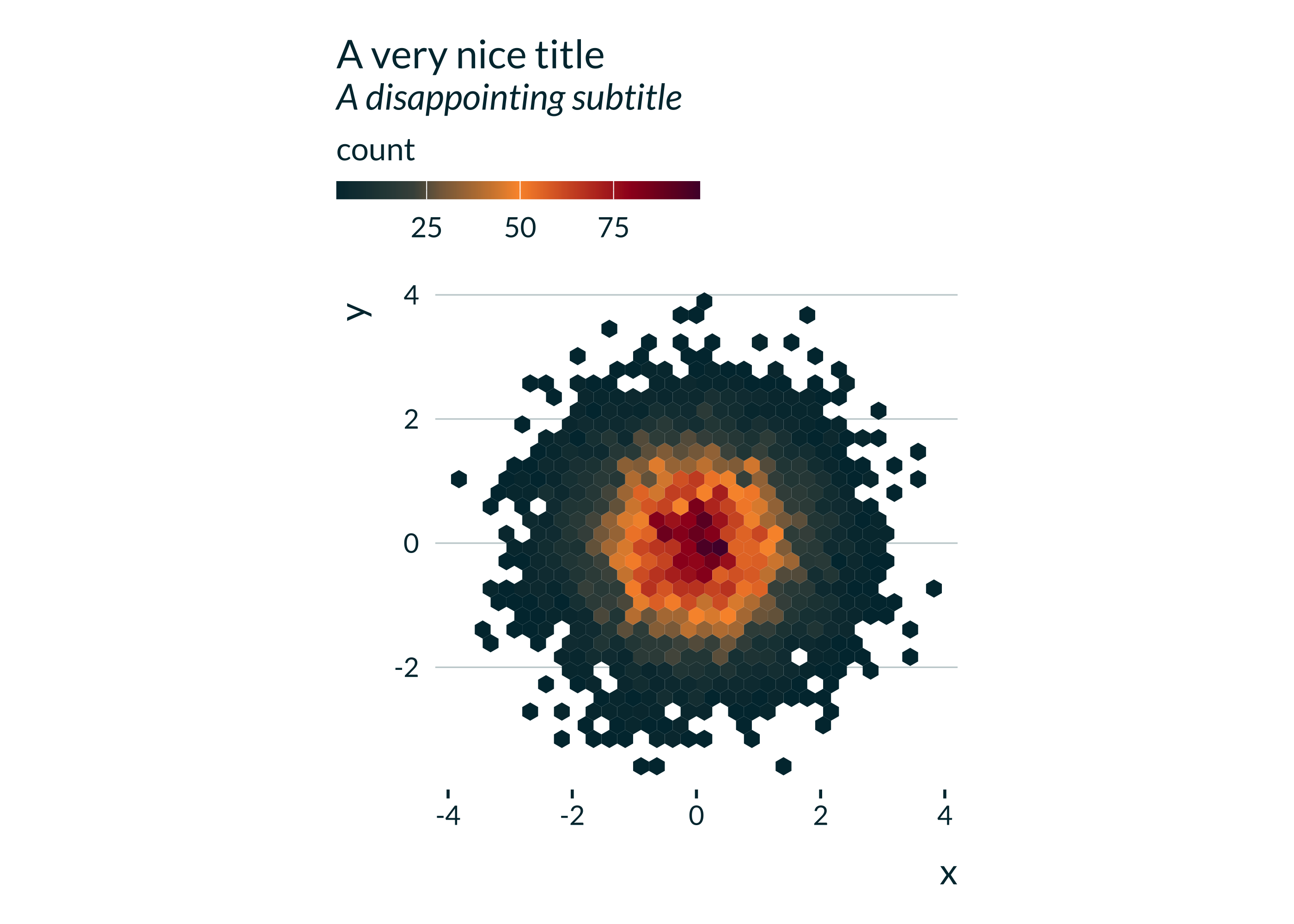
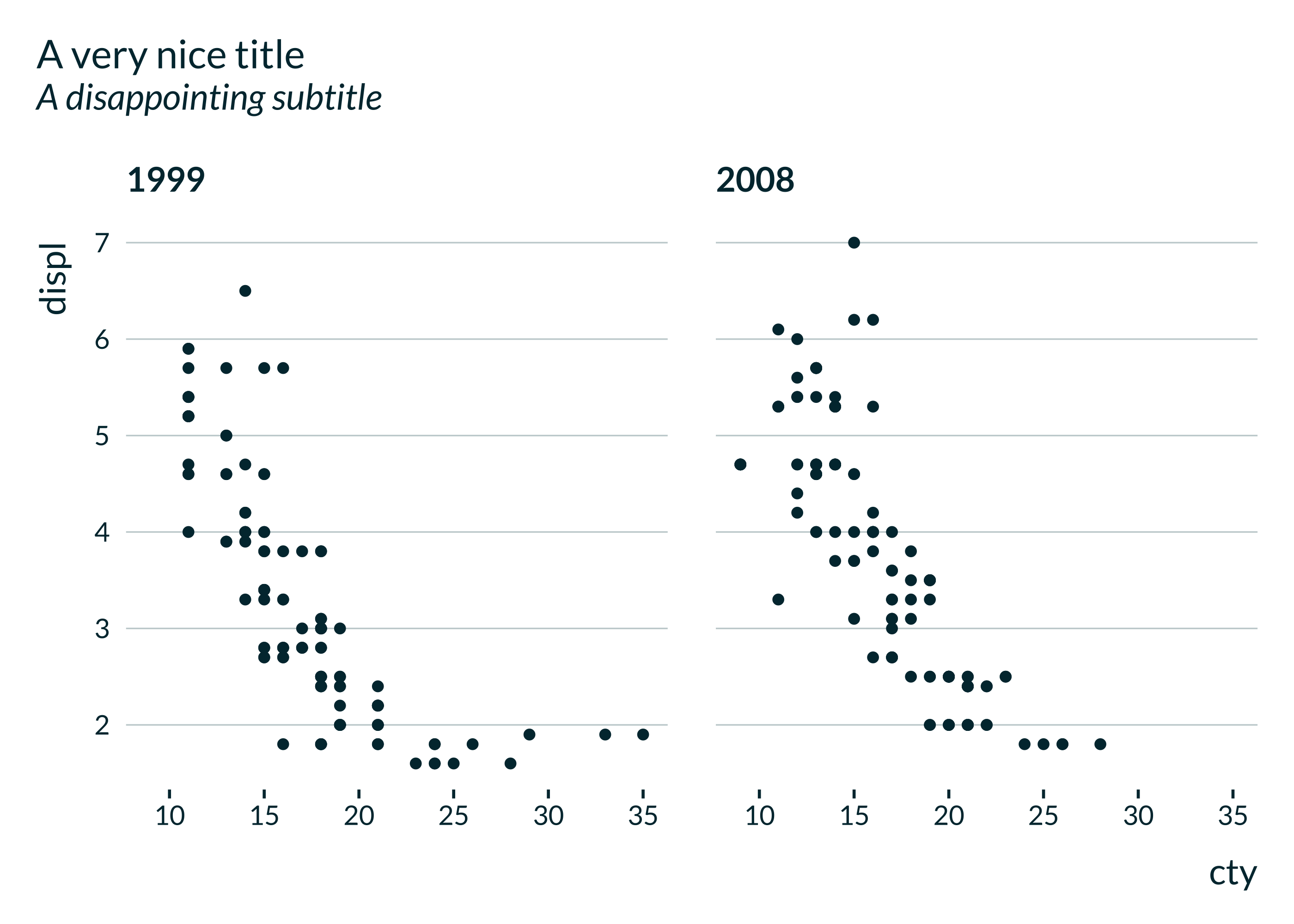
mediocre theme
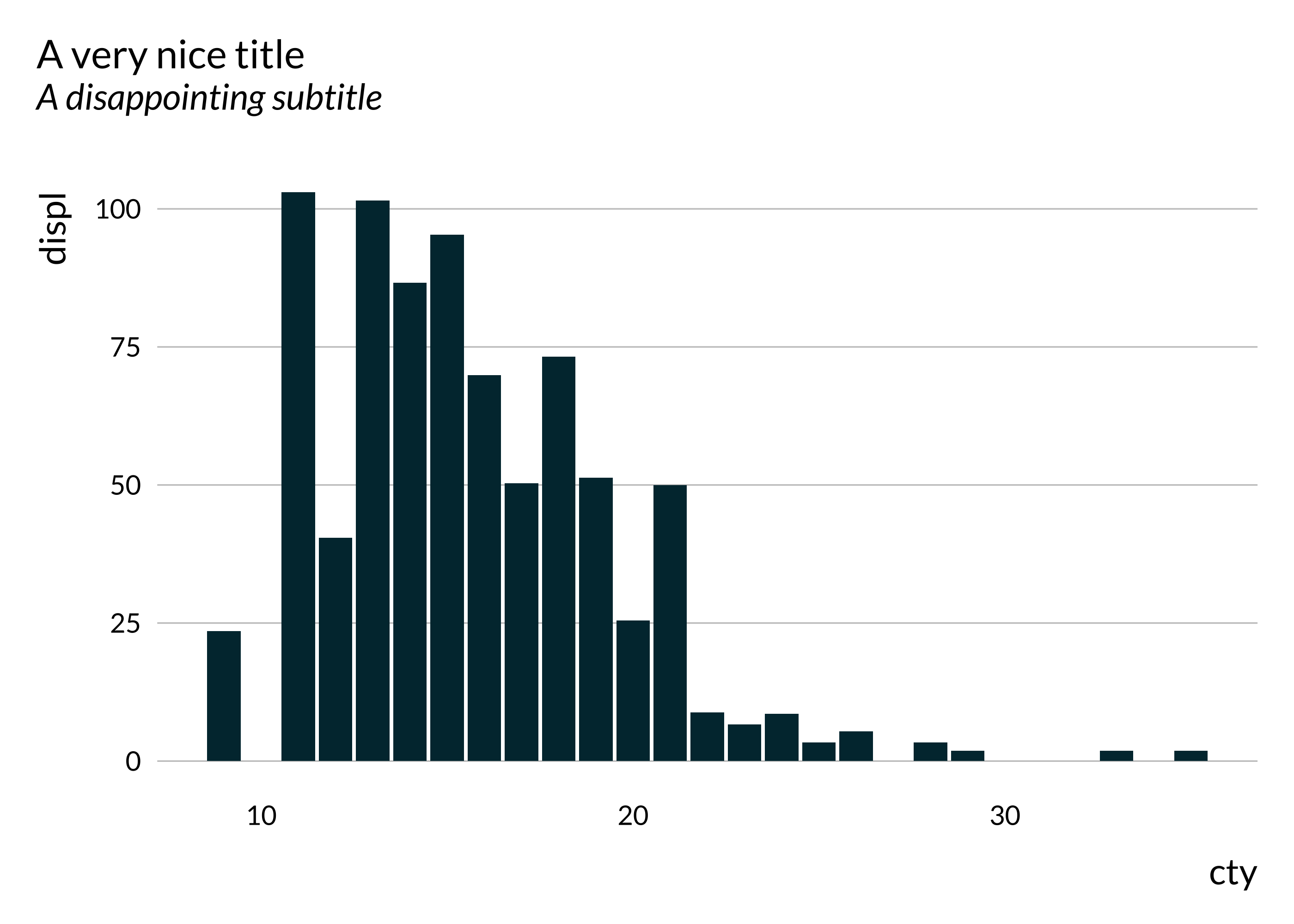
The package has been updated with a more modern theme (idid) but the initial theme (mediocre) is still available (and remains the default). Here are the same example graphs but with the original mediocre theme.
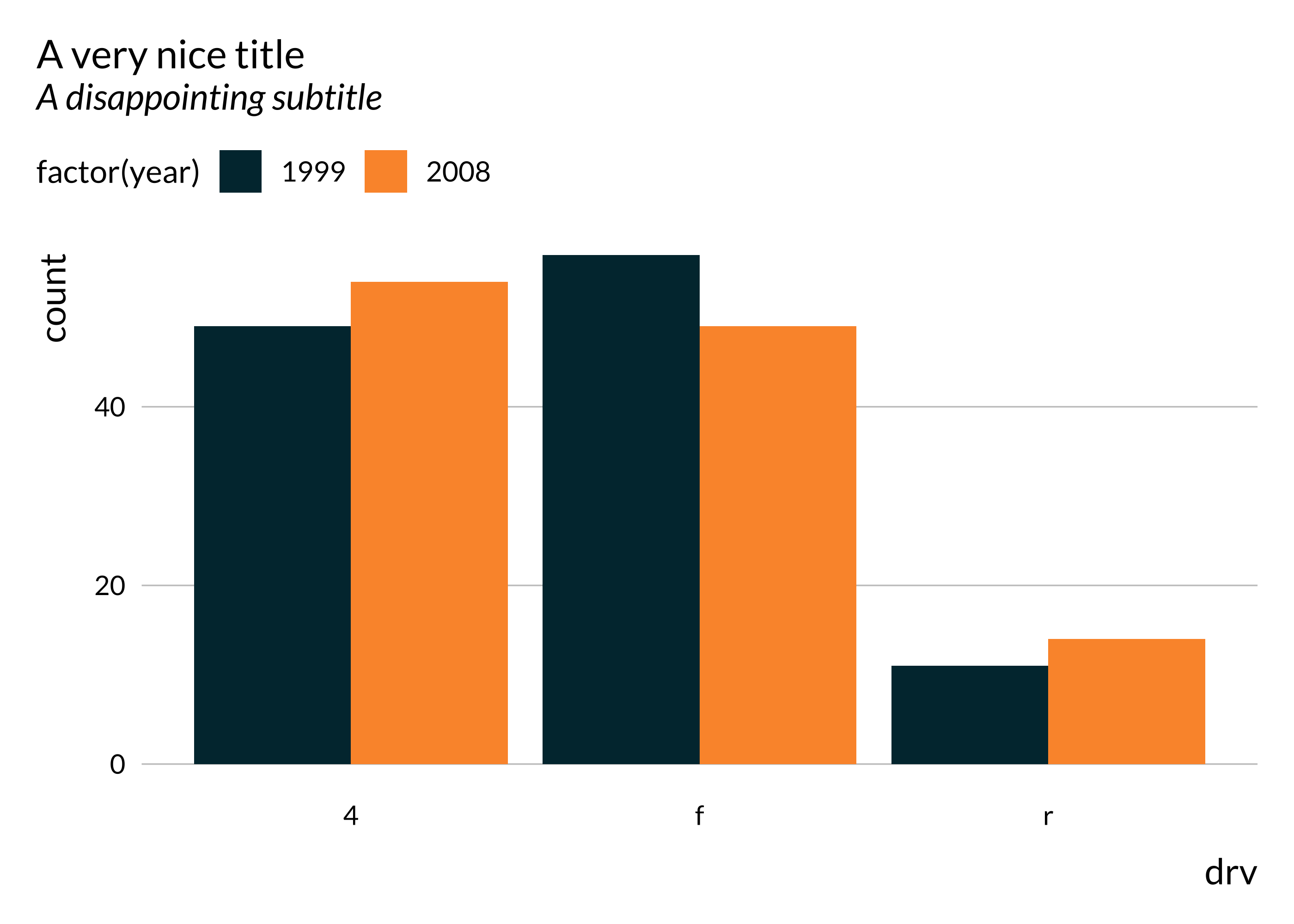
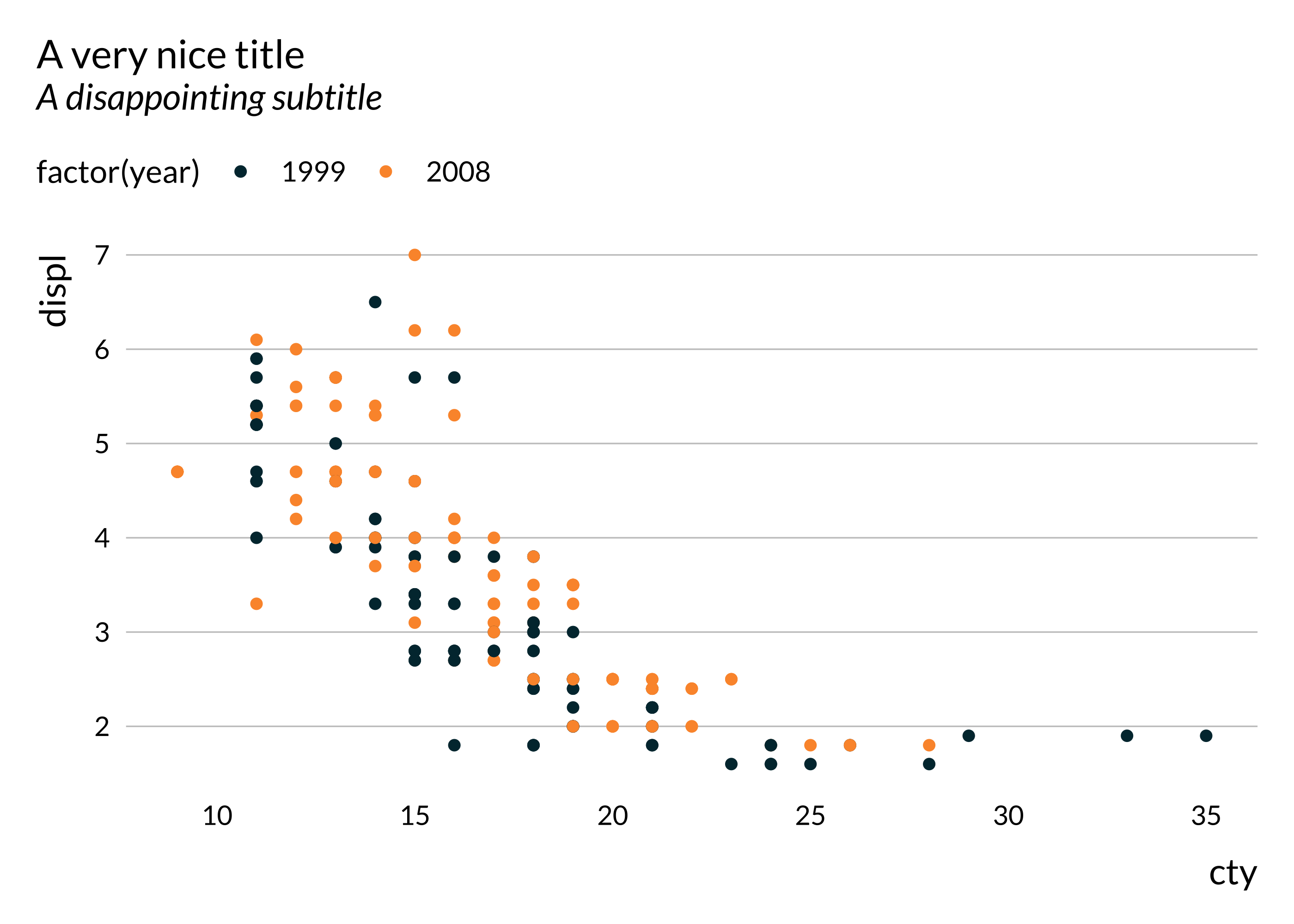
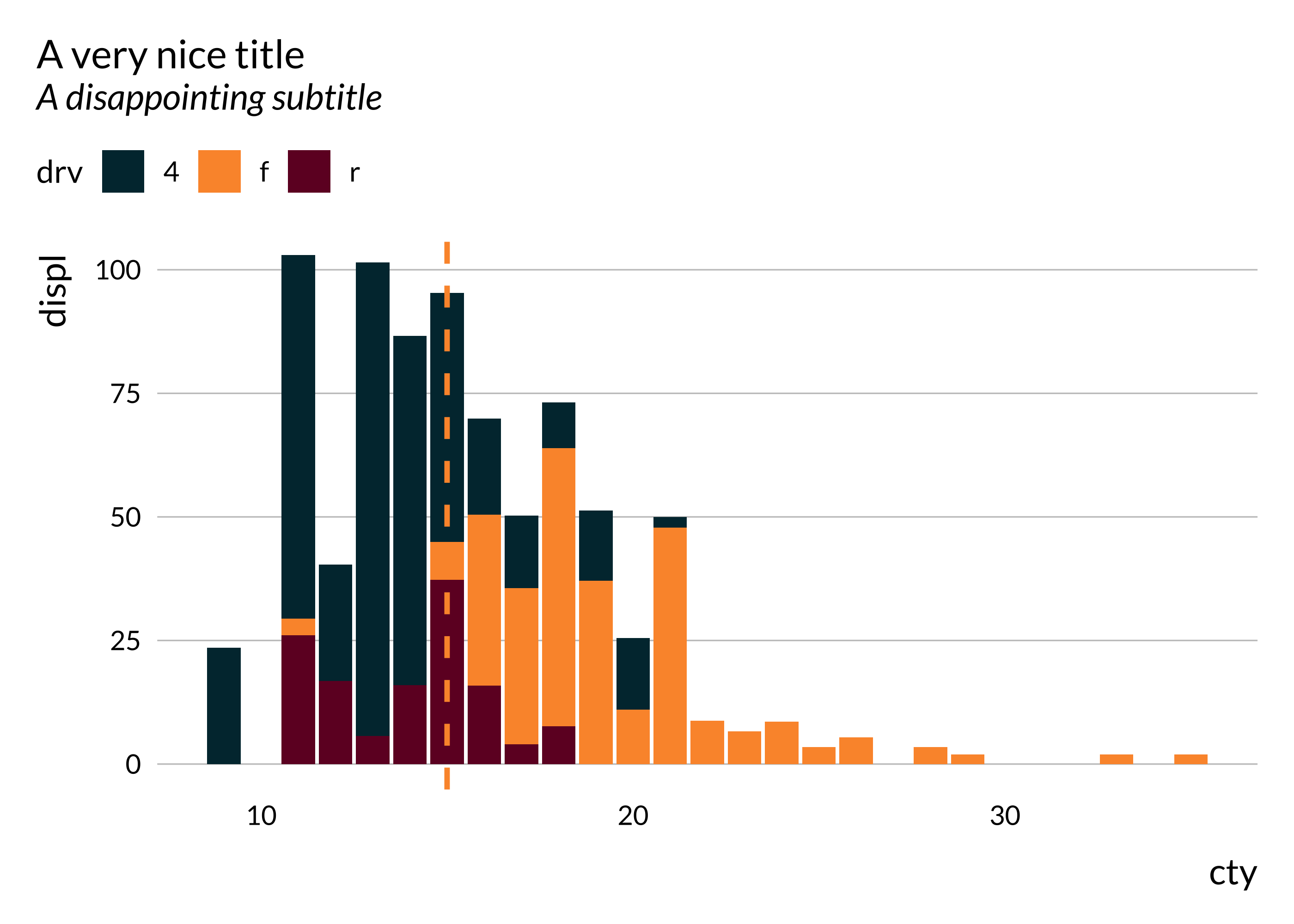
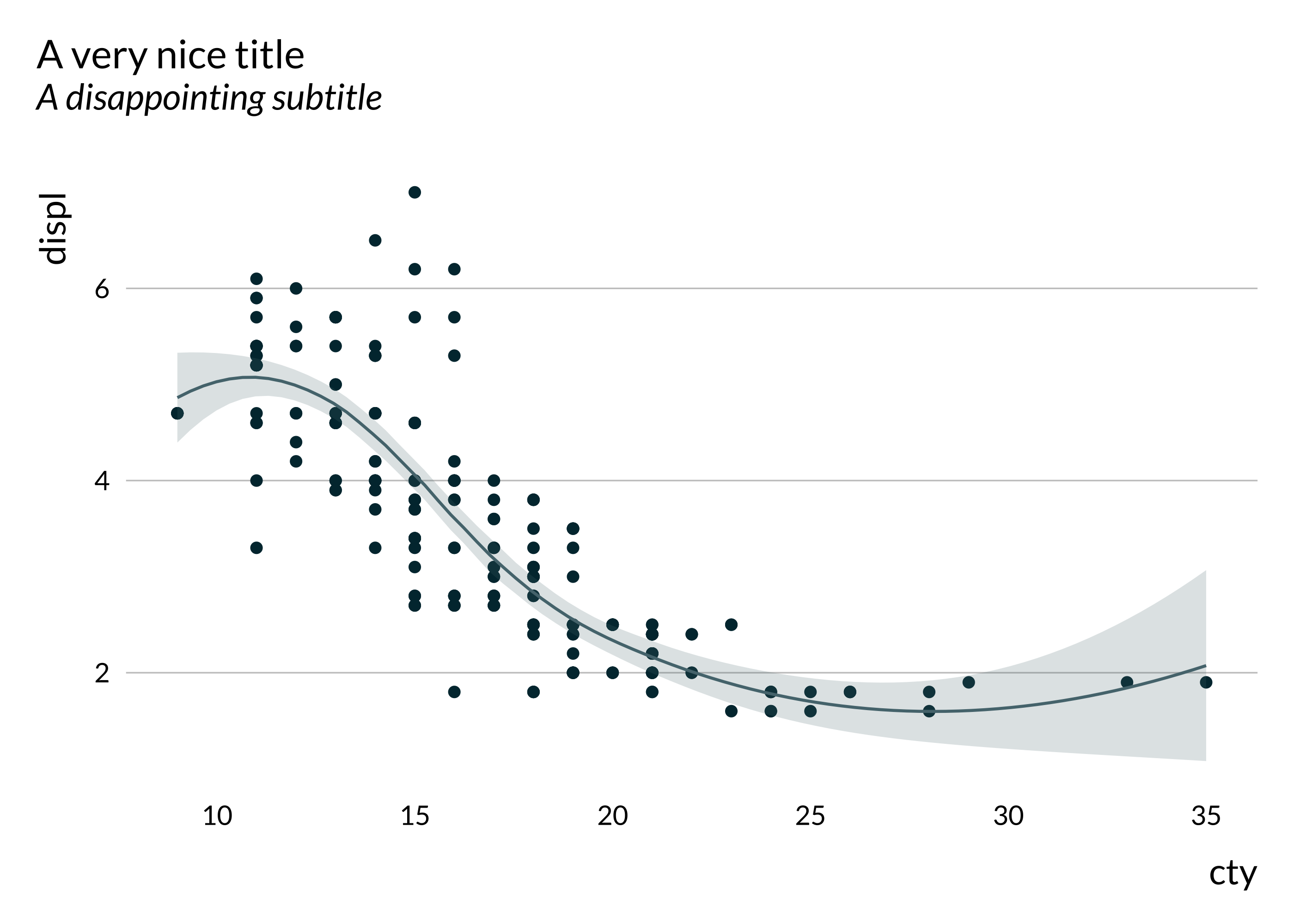
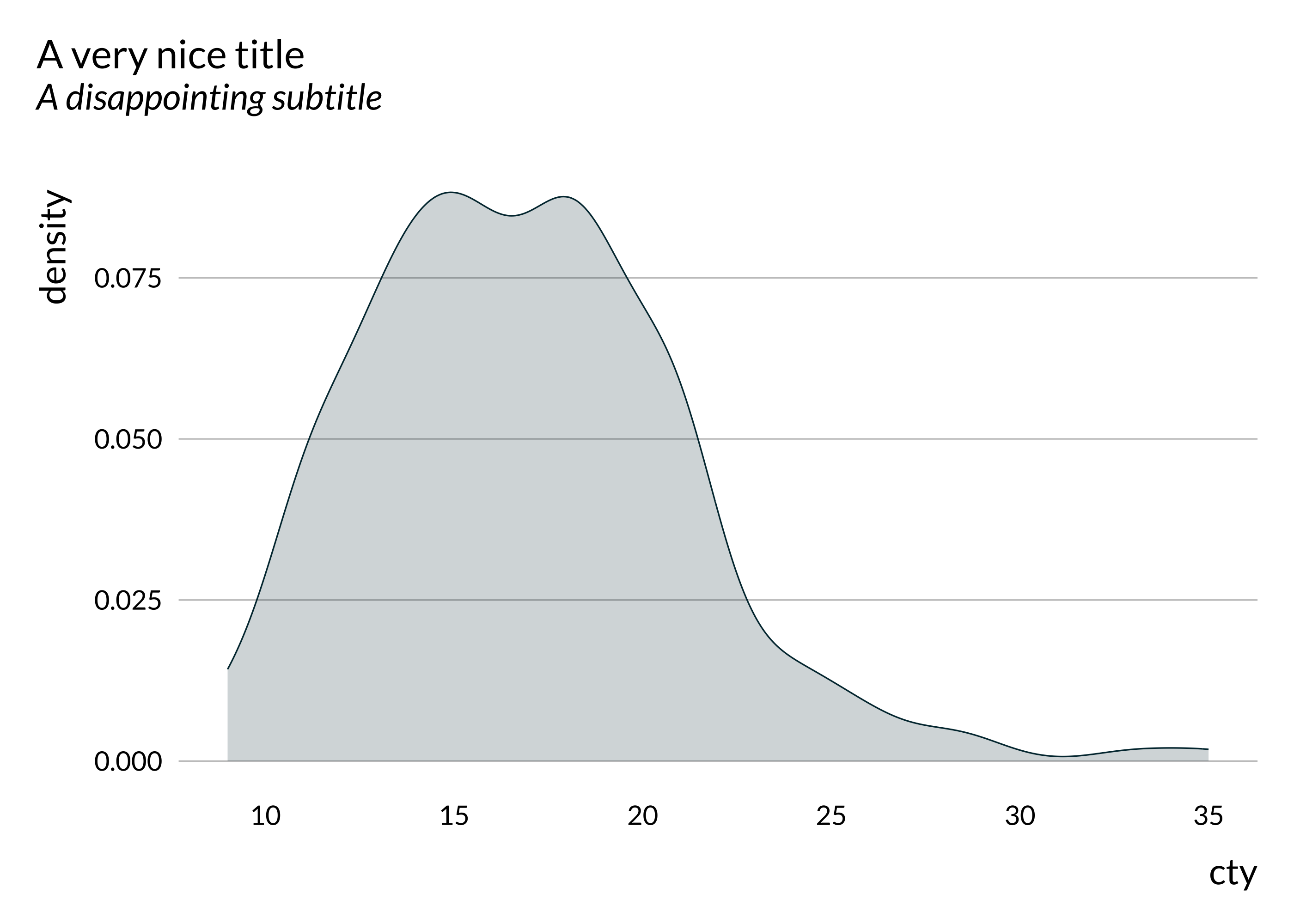
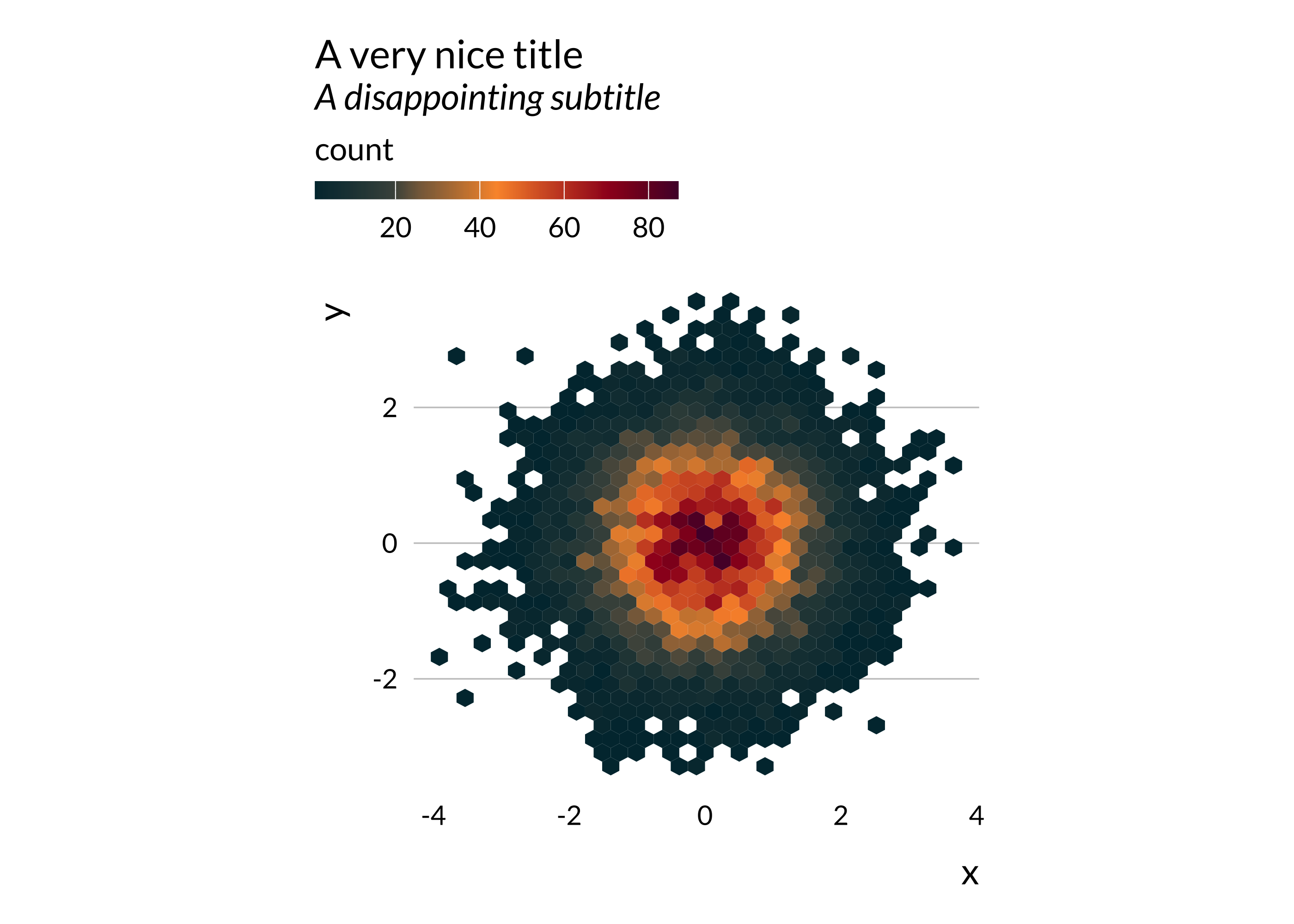
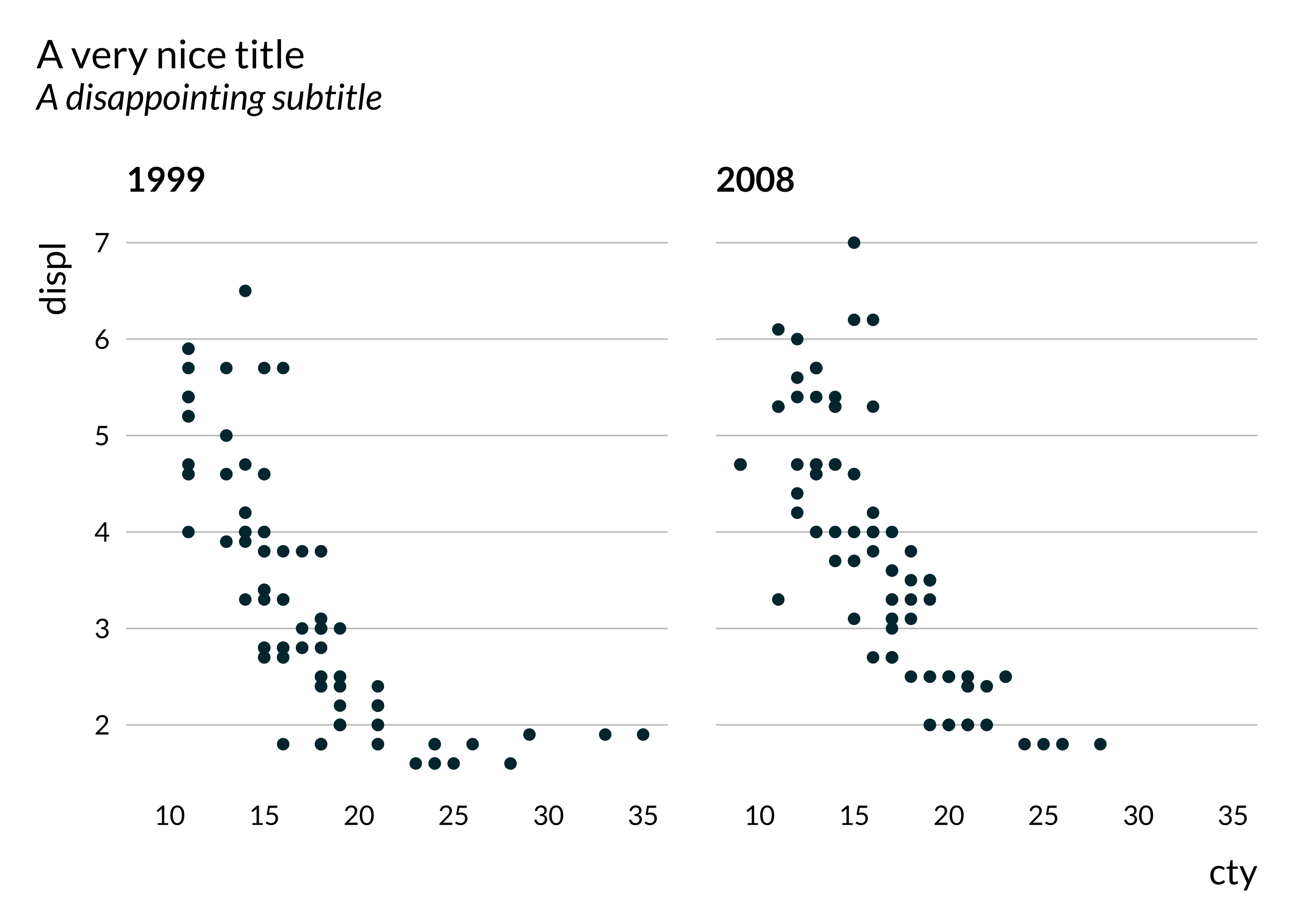
Additional palettes
Note that additional palettes are available: autumn, rainbow, hotcold, blackandwhite, coty, leo, portal, pem, idid, agdis.
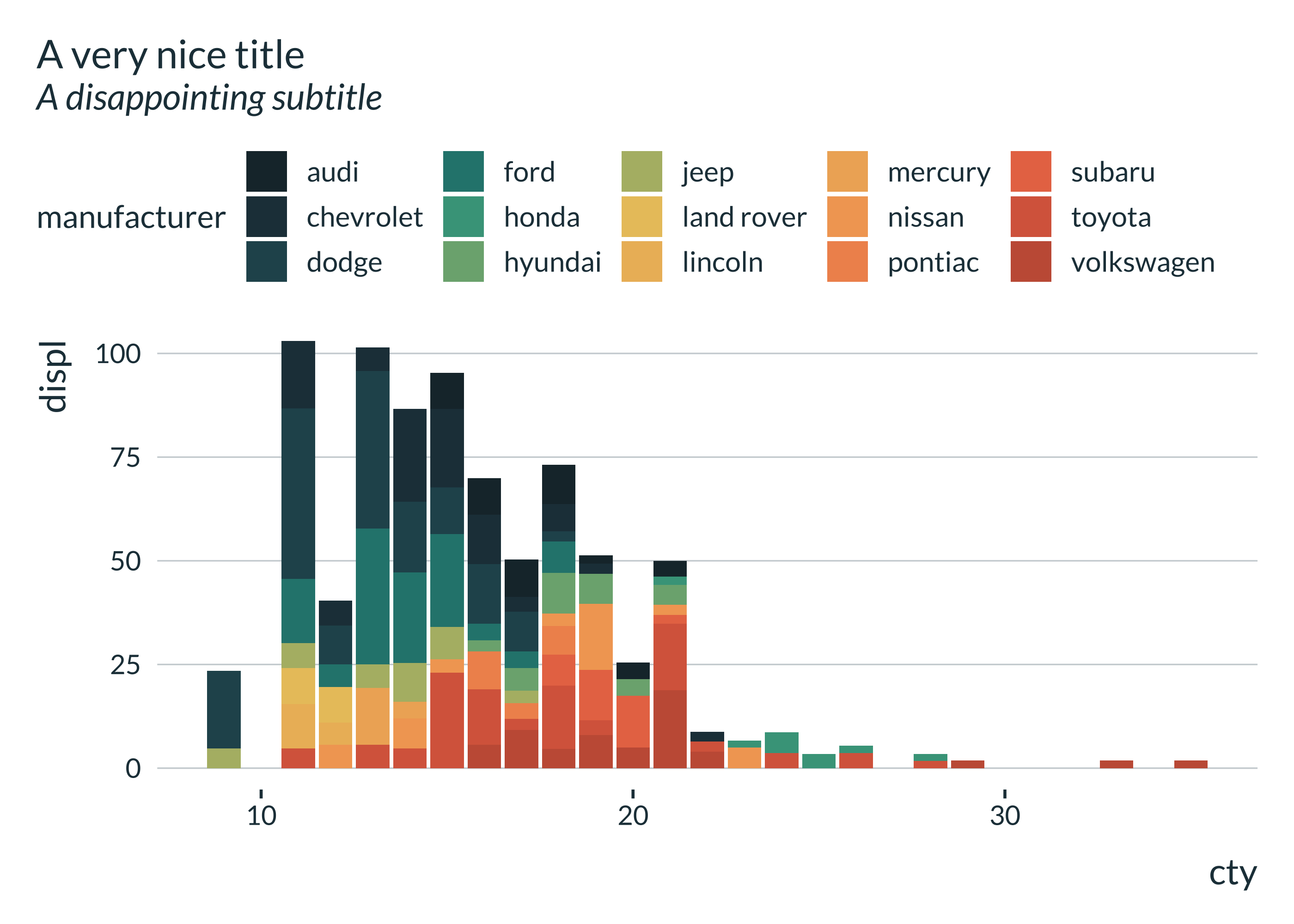
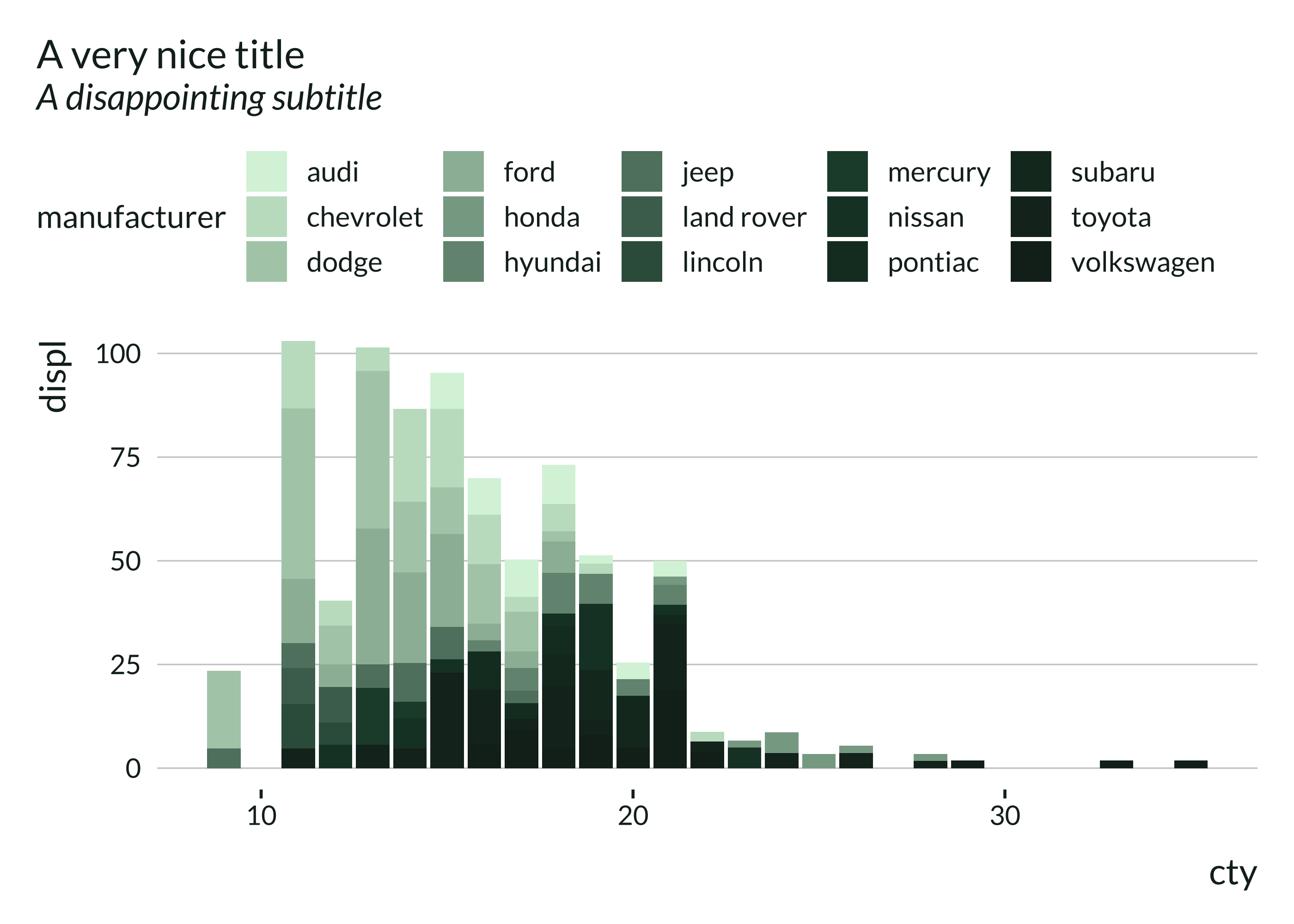


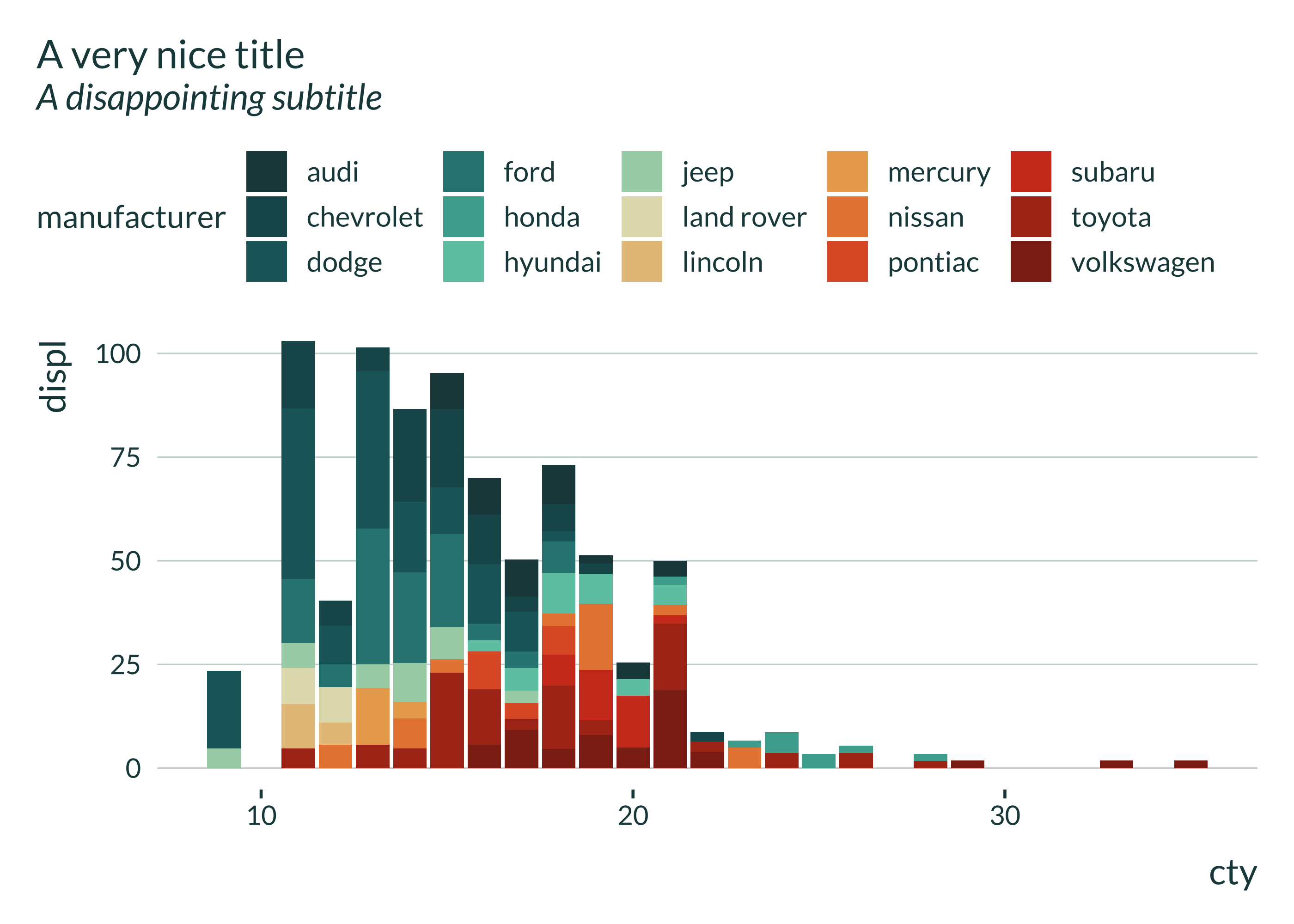
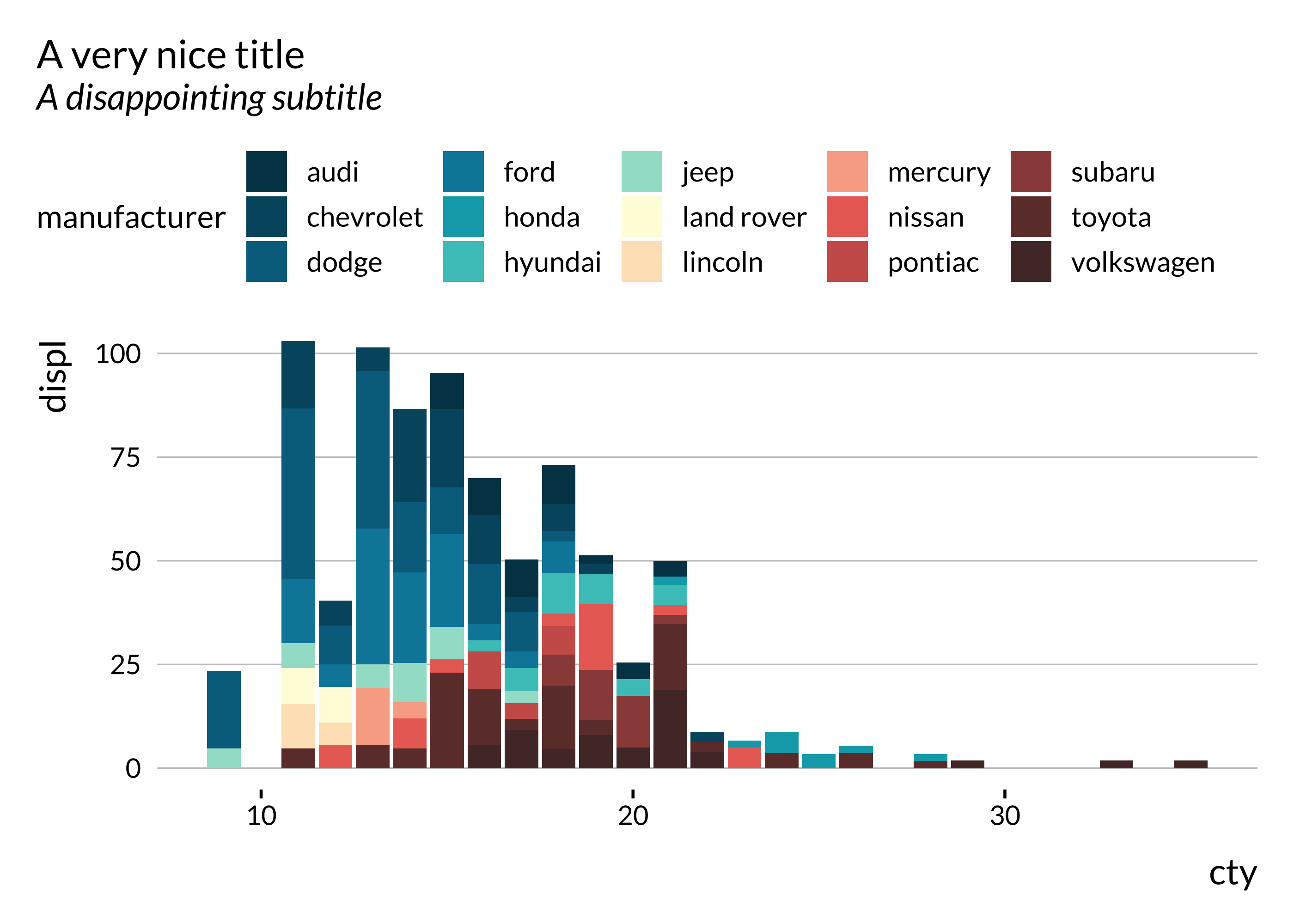


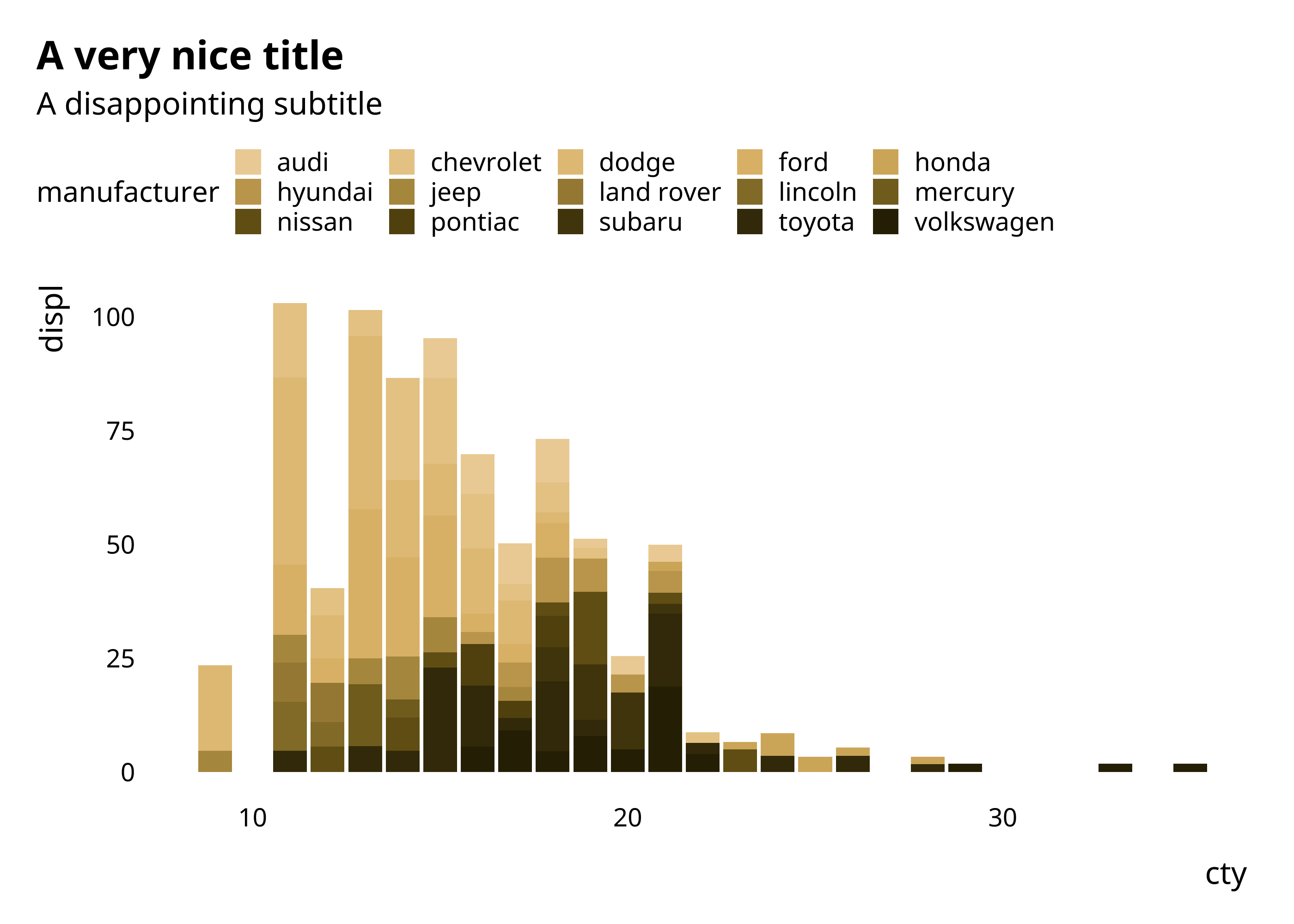
Most palettes are divergent but can be turned into two gradient palettes, as described in the vignette.